Preparation stays connected
Take sessions and exercises with you without separate documents.
Mobile training workspace
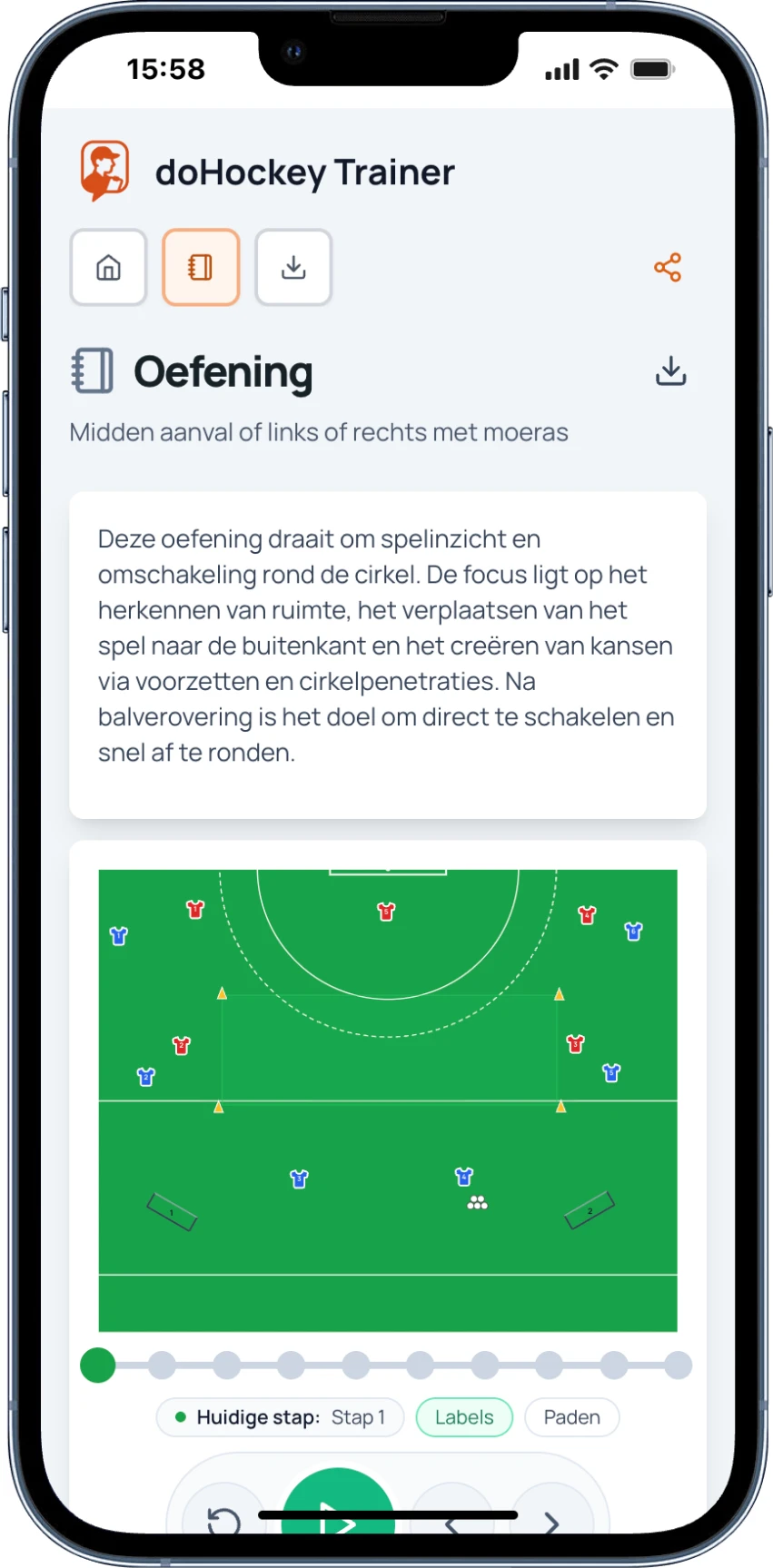
Prepare exercises and sessions in advance, then open them on mobile when training starts. Instructions, pitch view and progression stay right where you need them.
Take sessions and exercises with you without separate documents.
Show players immediately how the exercise is set up on the pitch.
Run training quickly and clearly from your phone.
From plan to practice
The training workspace keeps the content compact and practical. See what to do, how the pitch is set up and which step comes next.
Open the prepared session and see which exercises are ready for the pitch.
Use the objective, instructions and pitch view to get players started clearly.
Play through the exercise step by step and keep the next variation close at hand.
Even without reception
Choose Save offline on an exercise in advance. You can then view the saved diagram, timeline and coaching information on that device, even without internet.
Offline use is for viewing. You need a connection again for updated content and sharing.
Calm during training
Detailed preparation stays in the portal. On the pitch, mobile shows only the content you need at that moment.