Preparation stays available
Selection, lineup and substitutions move with you.
Mobile coaching workspace
View your team, take Metro to the sideline and review team statistics afterwards. Use the portal for detailed planning and keep the information at hand on the go.
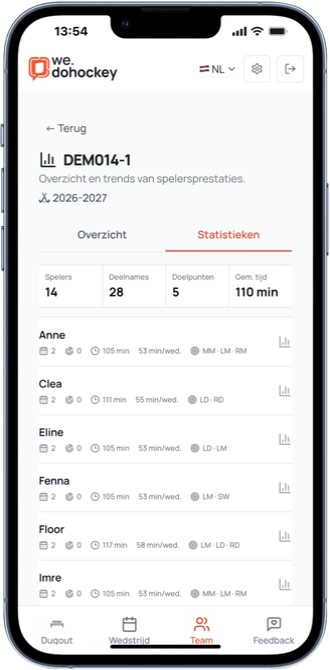
Selection, lineup and substitutions move with you.
The most important actions are immediately available.
Open in your browser or install to your home screen.
Before, during and after
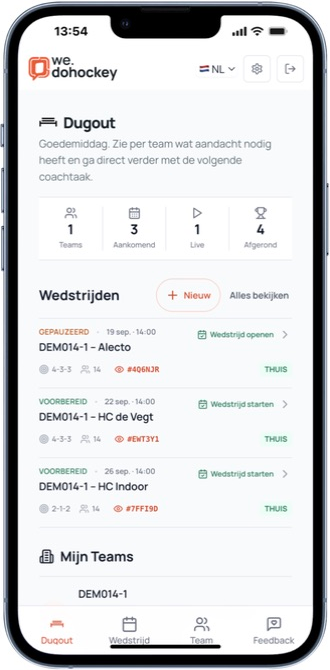
Before the match
See which matches are coming up and which team is ready before you leave for the pitch.
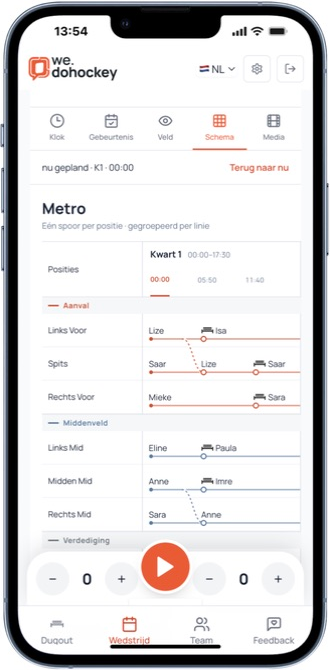
During the match
View the current planned block, positions and bench turns. Track scores and match events with your plan within reach.
After the match
Open Statistics for your team. Review appearances, goals, minutes, minutes per match and positions played. Figures follow completed matches within your team season.
From team to player
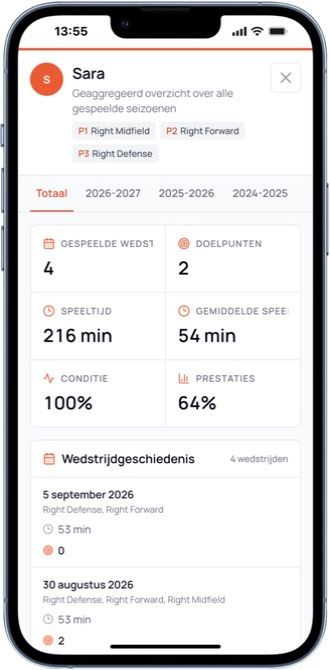
Open details and match history from the compact player rows. Use the figures alongside your observations in your next coaching conversation.
Live for parents and partners
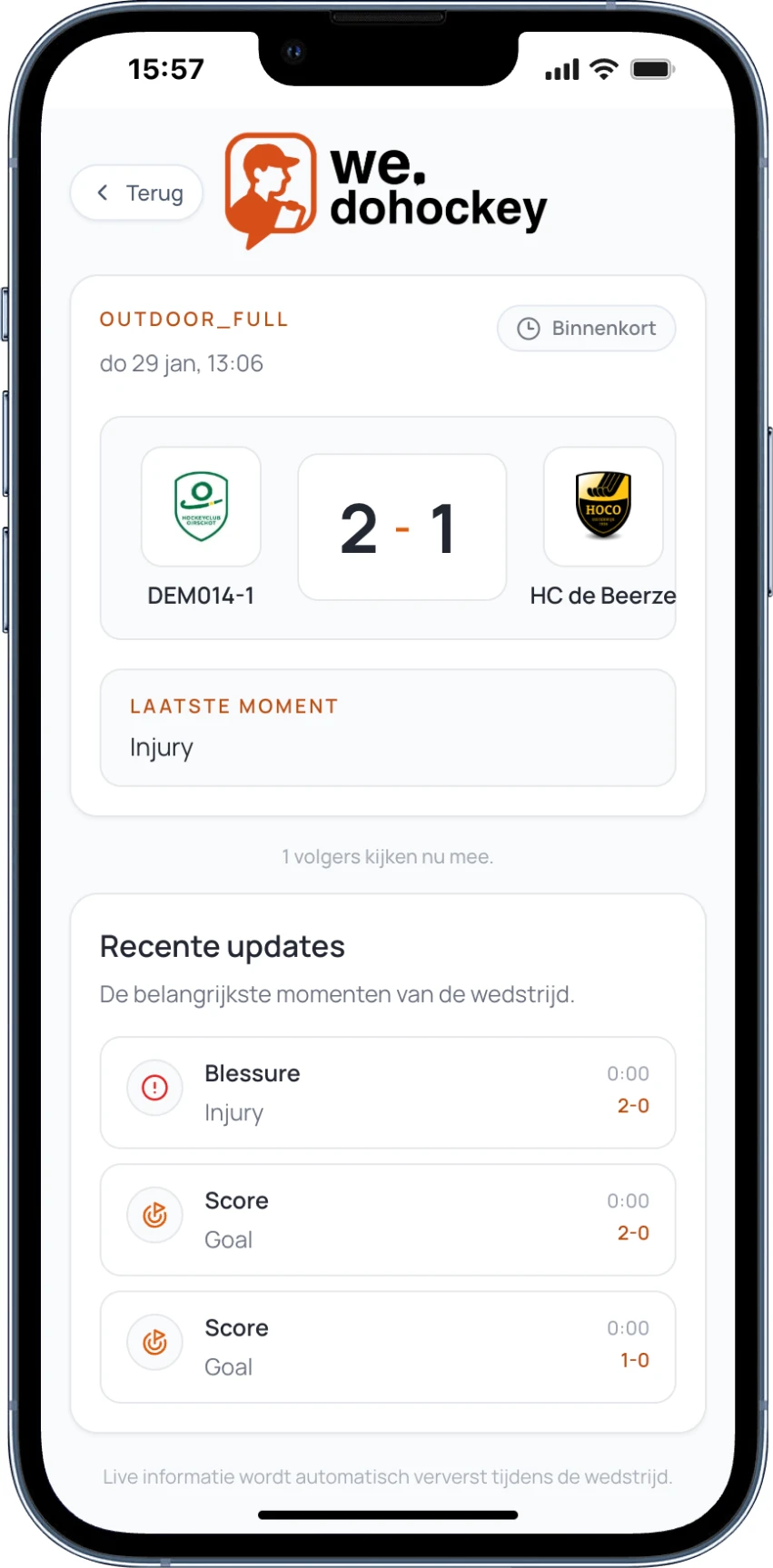
While the coach tracks the match, parents, supporters and partners see the score and key moments in a calm public view.
Installation is optional
The mobile workspace is a web app, so you do not need an app store.
Use the browser on your phone and sign in with your existing account.
Use Share on iOS or the browser menu on Android.
doHockey will then open full-screen from your home screen.
From preparation to the pitch
Start with your team and players in the portal. Create a match, check who is available and assign players to positions. Then create a substitution schedule and review planned playing time and bench turns before using it.
Open the same match on your phone. Metro shows planned substitutions while you record match events as you coach. Afterwards, review recorded minutes and positions played for your team and players.
The right workspace at the right moment
Use the portal for detailed preparation and creating or editing Advanced plans. On mobile, follow the plan, manage match events and review team and player statistics. Advanced line rhythms are available for outdoor hockey.